GPX Hiking Calorie Calculator — Trail Route Analysis | Hiking Calorie Calculator
Calculate calories burned from your GPX trail file. Analyzes elevation climbs, downhill descents, and flat trails privately in your browser.
GPS Route Upload
100% Private In-Browser ProcessingSupports GPX exports from Garmin, Strava, AllTrails, Apple Watch, and Gaia GPS.
| Section | Dist | Elev | Grade | Calories |
|---|
Calculates calories for each individual trail section. Smooths GPS elevation jitter to avoid counting fake vertical climb. Read formula documentation →
Elevation Profile & Trail Section Breakdown
Clear profile showing your trail's uphill climbs, flat ridges, and downhill descents with calories for each part.
Effort lifting your body and pack uphill
Thigh and knee braking on downhill slopes
Walking effort on flat ground
Worked Example: Mountain Ridge Trail GPX
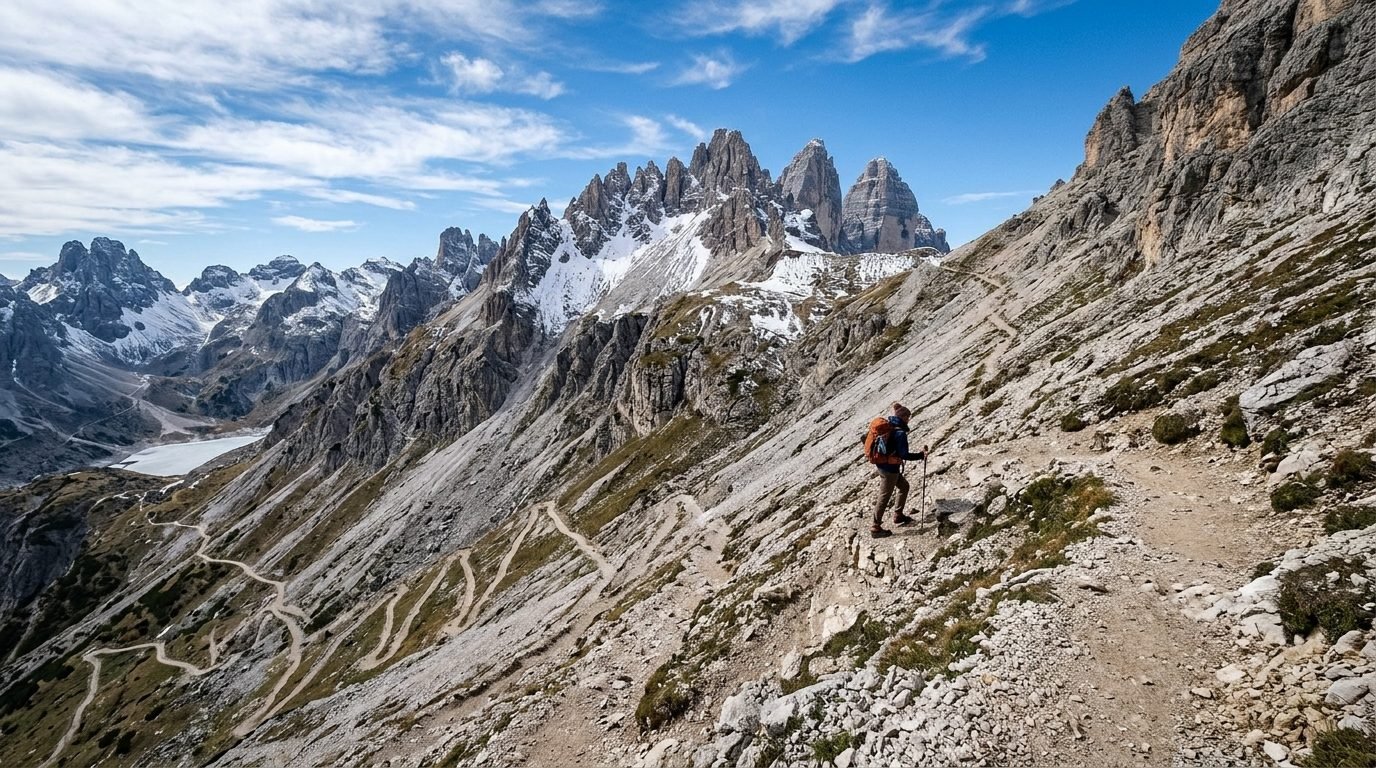
A 12.0 km (7.5 mi) GPS track recorded on a mountain trail, with 850 meters of climb and 850 meters of descent. A 75 kg hiker carried a 6 kg daypack with a total moving time of 3h 45m.
Example Inputs
- GPS File Track
- 12.0 km GPX track (420 trackpoints)
- Hiker & Pack Weight
- 75 kg body + 6 kg pack (81 kg total)
- Raw Climb (Unfiltered)
- +965 meters (sensor drift)
- Filtered Climb
- +850 meters (cleaned)
- Hiking Time
- 3h 45m (moving time)
- Trail Segments Analyzed
- 5 route sections
By calculating calories for each uphill, flat, and downhill section individually—rather than using a single rough average for the whole trail—the calculator accounts for the extra effort on steep climbs, giving an accurate 1,540 total calories.
GPS Sensor Jitter & Calorie Accuracy Table
See how raw, unfiltered GPS jitter inflates elevation gain and exaggerates calorie burn compared to clean filtering.
| Route Type | Raw GPS Gain | Filtered True Gain | Fake Gain Removed | Raw Calorie Guess | Filtered Calorie Burn |
|---|
How the Calculation Works
Proven sports science formulas and practical trail estimates.
Why Analyzing Each Trail Section Is More Accurate
Standard hiking calorie calculators only ask for your total distance and total elevation gain, dividing the climb evenly over the whole hike. If a 10 km hike features 6 km of flat walking followed by 4 km of an extreme mountain wall, an average slope calculation will drastically underestimate how hard that steep climb was!
Our GPX analyzer breaks your GPS track into distinct trail sections, calculating calories on each section with its actual speed and steepness, and then summing them up for an accurate total.
Filtering Out GPS Elevation Noise
Raw GPS recordings contain altitude jitter. Tiny variations of a few feet happen constantly. We filter out elevation changes smaller than 2.5 meters, preventing flat walks from reporting hundreds of feet of fake climb.
GPS Device Accuracy & Battery Saving Tips
Practical advice to record accurate GPS tracks and make your phone battery last all day.
Save Huge Battery
Phones burn battery rapidly when searching for cell towers in remote areas. Turn on Airplane Mode at the trailhead; your phone's GPS receiver will still record your route offline without battery drain.
Every-Second Recording
On winding mountain switchbacks, set your GPS watch to record every second. "Smart" or battery-saver recording cuts corners on sharp turns, shortening your recorded trail distance by 5% to 10%.
Check Altimeter Elevation
Barometric pressure changes when weather fronts roll in. If your watch has an altimeter, calibrate it to the trailhead elevation sign before you start walking to avoid starting off by hundreds of feet.
Frequently Asked Questions
Clear, helpful answers to common questions about this calculation.
Why does elevation smoothing matter for GPX files? +
GPS watches and phones often have small errors of 10 to 25 feet on every reading. Over a long hike with thousands of GPS points, these tiny wobbles add up to hundreds of feet of fake climb! Our tool smooths out this sensor jitter so your calorie estimate reflects your real hike.
Does my GPX file get uploaded to any server? +
No, never. The file is processed completely inside your web browser. Your GPS route, location coordinates, and personal trail data never leave your phone or computer.
What happens if my GPX file does not have timestamps? +
If your GPX was downloaded from a route planning website without recorded times, you can simply type in your planned hiking speed or time. The calculator will estimate calories across every trail section.
Can I see the calorie breakdown for each trail section? +
Yes! The calculator breaks your route into uphill, flat, and downhill sections, showing distance, elevation, slope, and calories for each one.
Why is analyzing individual trail sections more accurate than a single average? +
A simple average flattens out the hills. For example, walking 3 miles flat and climbing 3 miles of steep mountain gives an "average" gentle slope, but climbing that steep mountain burns vastly more calories. Calculating each section individually captures the true effort.
How can I save phone battery while recording GPS on the trail? +
Turn on Airplane Mode while recording. GPS receives signals from satellites without needing any cell service or internet data, letting your phone record for 12 to 18 hours without running out of battery.
Related Trail Calculators
Hiking Pace & Splits
Calculate your hiking speed, minutes per mile, and estimated arrival times for each mile of your hike.
Trail Slope & Steepness
Convert hill climb height and trail distance into percent steepness (grade %) and slope angle in degrees.
Elevation Gain & Slope
Calculate total uphill climb, downhill descent, and trail steepness percentage to see how hills affect your hiking effort.
Plan Your Whole Hike
Use our main Hiking Calorie Calculator to combine distance, hike time, hill climbing, trail terrain, and trail snacks into one clear plan.
Open Main Calculator →